





 Thursday, 17-09-26








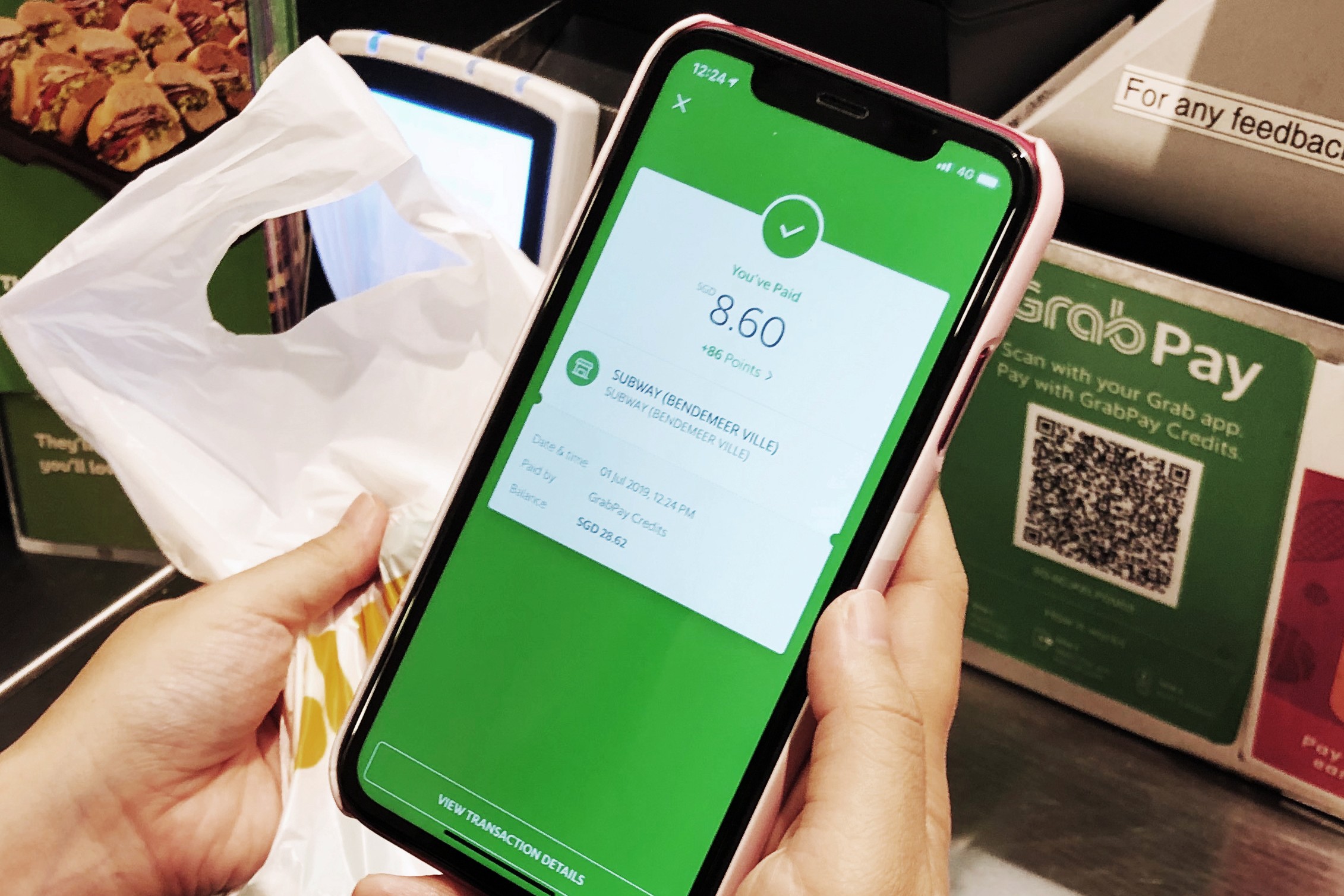
Grab has enabled Tap to Pay on iPhone for its merchant-partners in Singapore, allowing them to accept in-person contactless payments using only an iPhone and the Grab Merchant iOS app (22/01).
The feature allows merchants to accept contactless credit and debit cards, Apple Pay, and other digital wallets without requiring additional hardware or payment terminals.
Contactless Payments Using Only an iPhone
With Tap to Pay on iPhone, merchants can prompt customers at checkout to hold their contactless payment method near the merchant’s iPhone.
Payments are completed securely using near-field communication (NFC) technology, providing a simple way to accept in-person contactless payments.
Built-In Security and Privacy Features
Tap to Pay on iPhone uses the built-in security and privacy features of the iPhone to help protect business and customer data.
Apple does not store card numbers or transaction information on the device or on Apple servers, ensuring that merchant and customer data remains private.
“Merchants today often juggle multiple systems and devices just to accept payments, which can be confusing, and for smaller businesses, even costly,” said Julianne Heng, Regional Head of Payments, Grab.
“By working with Apple, we’re offering a simpler and more cost-efficient way for merchants of all sizes to accept contactless payments using just the Grab Merchant app on their iPhone.”
Merchants can enable Tap to Pay on iPhone within minutes through the Grab Merchant iOS app.
The feature is available on iPhone XS or later models running the latest version of iOS.
PHOTO: VULCAN POST
This article was created with AI assistance.
We make every effort to ensure the accuracy of our content, some information may be incorrect or outdated. Please let us know of any corrections at [email protected].
Read More