





 Saturday, 11-07-26







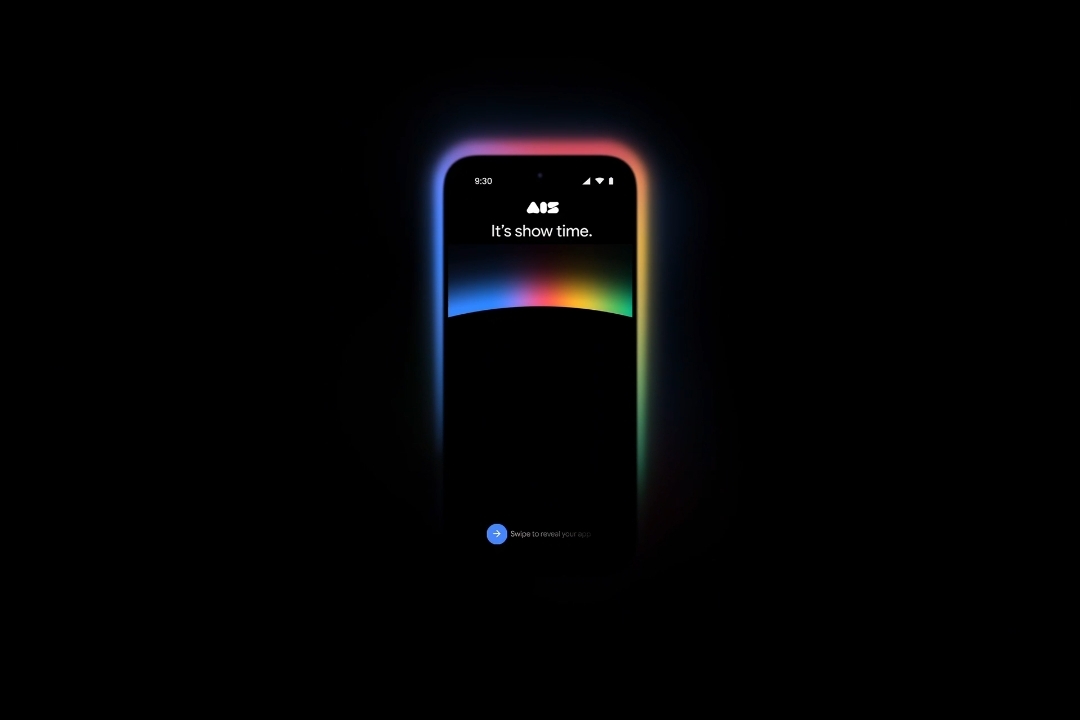
At Google I/O 2026, Google announced a major expansion of Google AI Studio I/O 2026, introducing Android development support, Google Workspace integration, a new mobile app, and additional tools for faster app creation from prompts to production apps (19/05).
The updates aim to strengthen AI Studio as a unified development platform across Google’s ecosystem, enabling builders to create and deploy applications more efficiently from mobile, web, and Android environments.
Google AI Studio I/O 2026 Introduces Major Platform Expansion
Google introduced new capabilities for Google AI Studio designed to accelerate app development from idea to production.
The platform continues to position itself as a fast path for building applications directly from prompts.
A key focus of the update is expanding what users can build, including native Android applications and cross-platform development support without requiring traditional setup tools or environments.
Workspace Integration and Cross-Ecosystem Development
Google Workspace is now directly accessible within apps built using AI Studio.
Developers can create dashboards using Sheets data, build tools connected to Drive, or design applications that use existing team documents and datasets.
The platform also allows export to Google Antigravity. This transfer includes conversation history, project files, and secrets, enabling continued development and collaboration in external workflows or team environments.
New Design Tools and Mobile App Experience
AI Studio now includes custom asset generation using Nano Banana, allowing the Build agent to automatically generate images for app interfaces without external tools.
A new preview editing feature enables users to annotate directly inside the preview window, adjust components, and generate updated visuals during the build process.
Google also introduced a mobile app for AI Studio, available for pre-registration. The app allows users to build, remix, and preview applications from smartphones, as well as share live deployments for collaboration and feedback.
Native Android App Development and Free Deployment
AI Studio now supports native Android app creation directly in the build tab. Users can select “Build an Android app” and generate production-quality Kotlin code using Jetpack Compose patterns.
The platform includes an in-browser Android emulator and ADB support, allowing apps to be tested in a browser or installed directly on Android devices.
Developers can also connect a Google Play Developer account and publish apps to the Internal Test Track with a single click.
Google further announced that users can deploy their first two apps to Google Cloud at no cost and without a credit card, while existing users continue on the Cloud Run Free Tier.
PHOTO: GOOGLE
This article was created with AI assistance.
We make every effort to ensure the accuracy of our content, some information may be incorrect or outdated. Please let us know of any corrections at [email protected].
Read More